

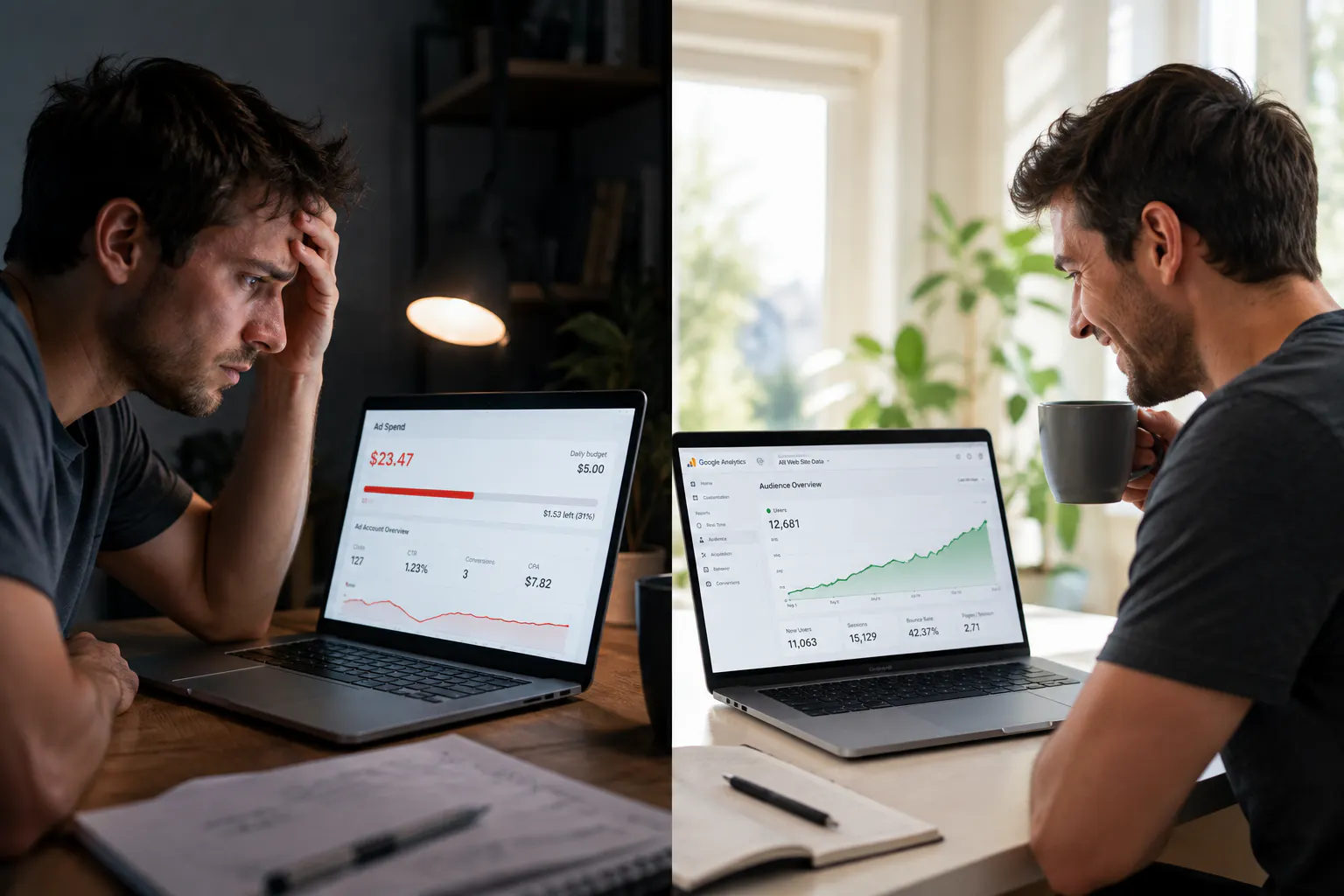
For the first 6 months I was completely dependent on Sellvia Ads. $15/day, every day, no days off. The ads worked but every time I thought about turning them off even for a week I felt sick - like the whole business would collapse.
That's not a business. That's a subscription to customers.
Month 7 I started taking SEO seriously. Month 10 organic traffic accounts for 38% of my sales and my ad spend is down to $8/day. Here's exactly what I did.
Why Paid-Only Traffic Is a Trap
Nothing wrong with Sellvia Ads - they work and I still use them. But when 100% of your sales come from paid traffic you have a fragile business. Ad costs go up. Algorithms change. A bad week of ad performance means a bad week of income.
Organic traffic from Google is different. It compounds. A page that ranks today keeps bringing visitors for months without you paying anything extra. It's slower to build but it doesn't disappear when you pause your budget.
Every Sellvia review I read focused on ads or social media. Almost nobody talked about building organic search traffic for their store. That gap is the opportunity.
The 5 Things I Did - All Free
1. Optimized my store's page titles and meta descriptions
This took 2 hours and costs nothing. In your Sellvia WordPress dashboard you can edit the SEO title and meta description for every product page and your homepage.
Most people leave these as the default product name. I rewrote every title to include what the customer is searching for. Instead of "Digital Marketing Guide" I used "Digital Marketing Guide for Beginners - Step by Step 2026."
Google shows these in search results. Better titles = more clicks even before you rank higher.
2. Created a simple content schedule using the SEO Blog Posts tool
Sellvia's built-in SEO Blog Posts tool publishes articles automatically to your store. I turned it on in month 7 and let it run. By month 9 I had 40+ indexed blog posts on my store - content I never had to write myself.
The key thing I did differently: I checked which posts Google was actually indexing using Google Search Console (free) and shared the ones getting traction on my social media. Amplifying what was already working instead of guessing what to create.
3. Set up Google Search Console and actually read it
This is free and most Sellvia store owners never touch it. Search Console shows you exactly which search terms are bringing people to your store, which pages Google has indexed, and which pages have technical problems.
In month 8 I found that 3 of my product pages weren't indexed at all because of a duplicate content issue. Fixed it in 20 minutes. Those 3 pages started ranking within 6 weeks.
4. Got my store listed on free directories
Google Business Profile (free), Bing Places (free), and a few niche directories relevant to my product category. Each listing is a backlink and a citation that tells Google my store is a real business.
This alone moved my domain authority up enough that my blog posts started indexing faster.
5. Used product descriptions that answer real questions
I rewrote my top 10 product descriptions to answer the question a customer would Google before buying. Instead of just describing the product I answered "who is this for", "what problem does it solve", and "what do you get."
Google loves content that directly answers search intent. Three of those pages now rank on page 1 for long-tail searches.
The Numbers - Before and After SEO
Month 6 (ads only) Month 10 (ads + SEO)
Daily ad spend $15 $8
Monthly ad cost $450 $240
Organic visitors/month ~40 ~380
Organic sales/month 2-3 18-22
Total monthly commissions $612 $1,380
Take-home after all fees $528 ~$1,190
The ad spend dropped by $210/month. Organic sales added roughly $400/month in commissions. Net improvement: approximately $610/month more take-home than month 6 - with lower risk because not all eggs are in the paid traffic basket.
How Long Does SEO Actually Take
Honest answer: 3-4 months before you see meaningful organic traffic. The first 8 weeks feel like nothing is happening. Then slowly pages start appearing in Search Console. Then traffic trickles in. Then it compounds.
The mistake most people make is expecting SEO results on the same timeline as paid ads. Paid ads can work in days. SEO works in months. They're different tools for different time horizons and the best Sellvia stores I've seen use both.
Should You Pay for Sellvia's SEO Package or DIY?
The built-in SEO Blog Posts tool is included in the subscription - use it, it works. The paid SEO packages Sellvia offers (press releases, backlink building) can accelerate results but they're not necessary to start seeing organic traffic.
My honest Sellvia review take on this: do the 5 free steps first. Get Search Console set up, turn on the blog posts tool, optimize your titles. If you're seeing organic traction after 3 months and want to accelerate - then consider the paid SEO options. Don't pay before you've done the free basics.
Has anyone else built organic traffic for their Sellvia store? What worked and what didn't? 👇